Private by design in Digest Diary
Your journal stays on device. There is no account to create, and your meal and symptom entries are not sent to our servers.
Food & Symptom Tracker
Digest Diary is a privacy-first journal for meals, digestive symptoms, and bowel movements. Capture what happened, review your day in order, and—when you need it—turn your entries into clearer PDF or CSV reports for visits.
No account required · Diary stays on your iPhone · Not a medical device
From today’s timeline to history and reports, these screens show how quietly the app fits into everyday tracking.
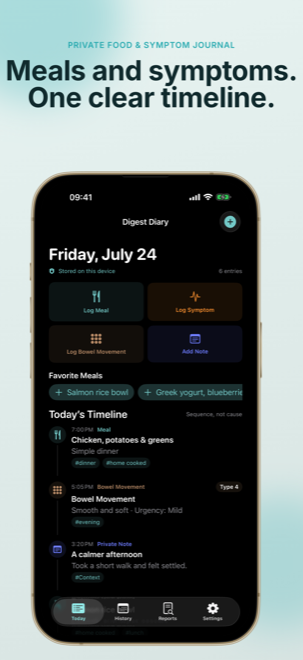
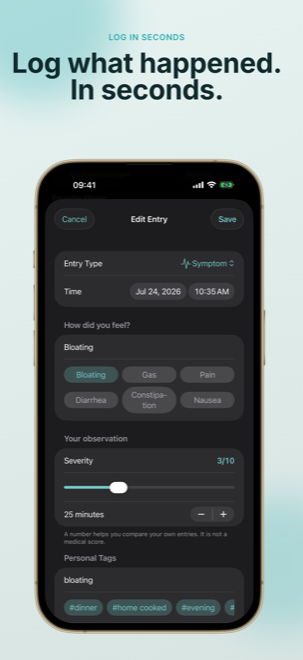
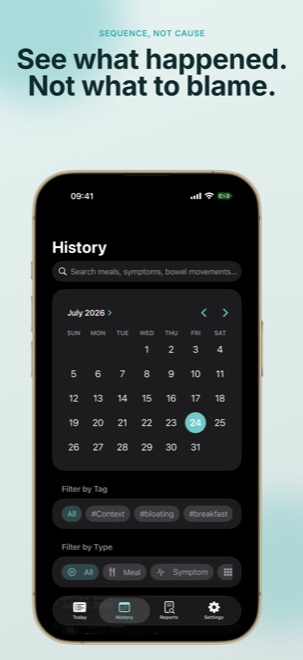
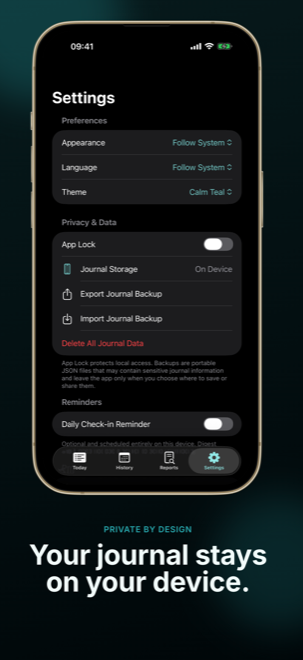
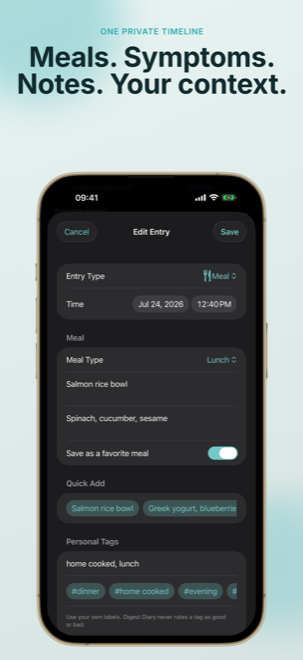
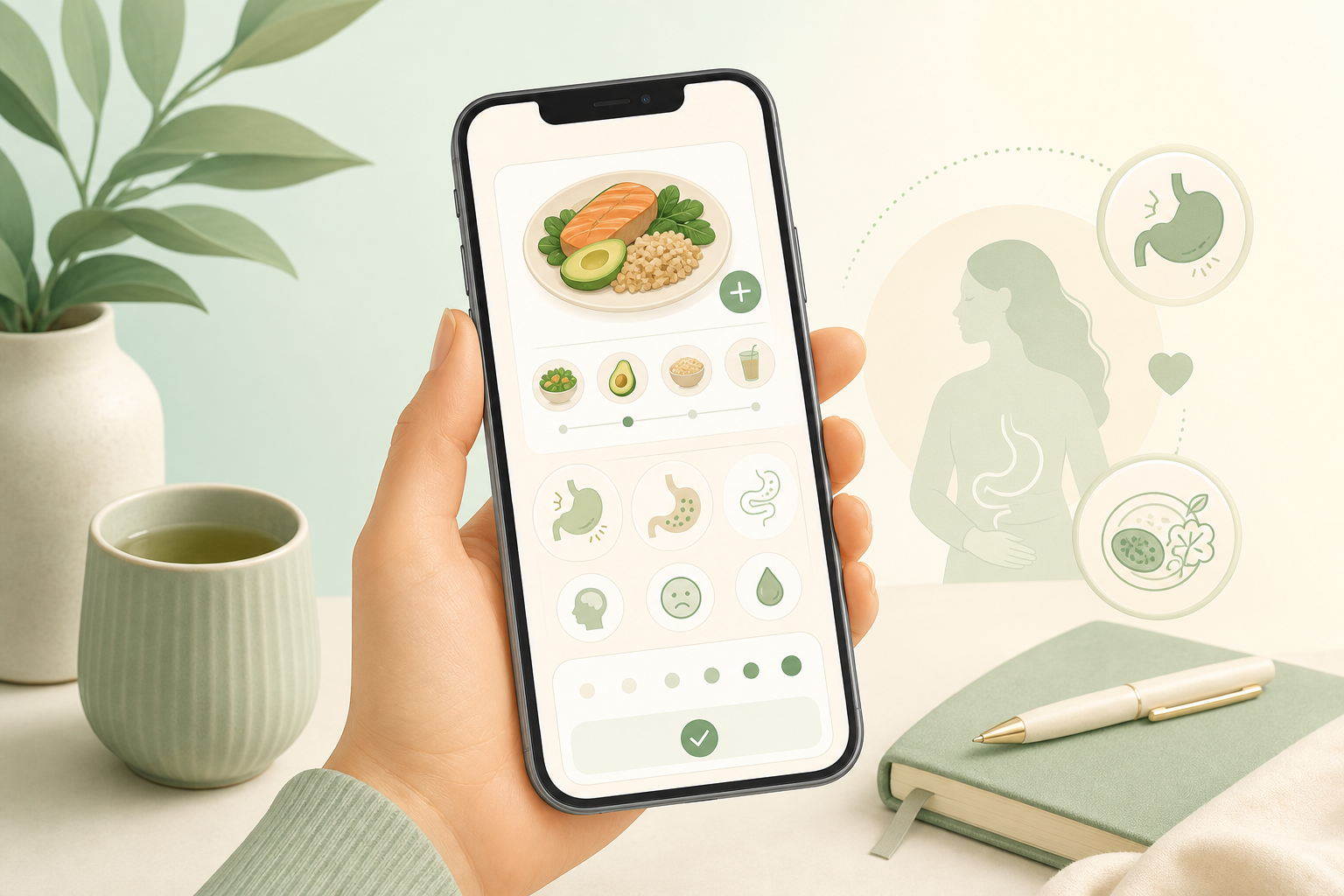
Digest Diary follows a simple path: record what you ate and how you felt, review a neutral timeline, then prepare a report when an appointment is coming up.
Log breakfast, lunch, dinner, or snacks, then add symptoms such as bloating, gas, pain, diarrhea, constipation, or nausea—with severity, duration, and notes. You can also track bowel movements with Bristol stool form and urgency, plus tags that matter to you.
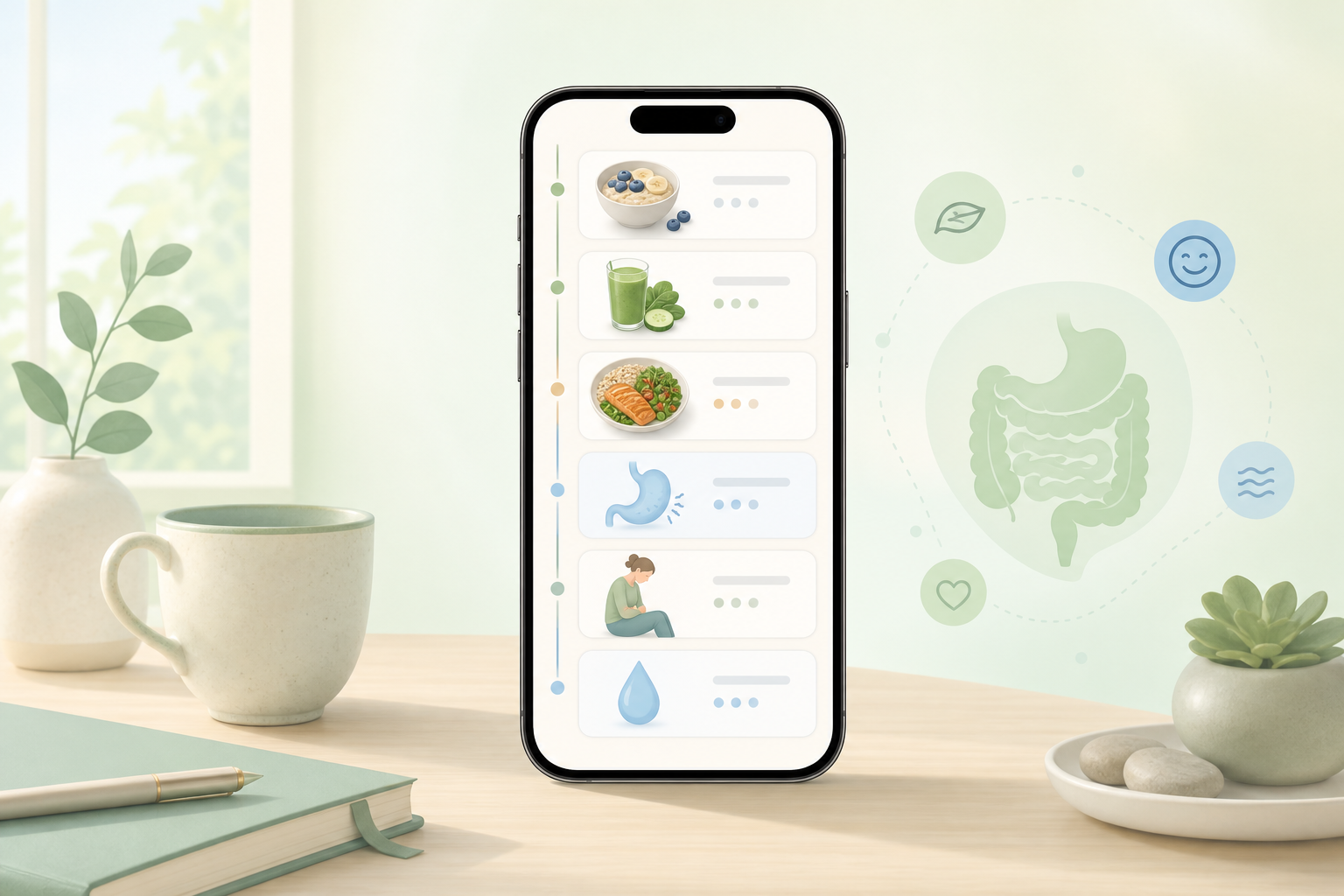
See your day as a neutral timeline—ordered by time, not by claims of cause and effect. Search and filter history, edit entries, and keep free access to recent days while Pro unlocks unlimited history when you need a longer view.
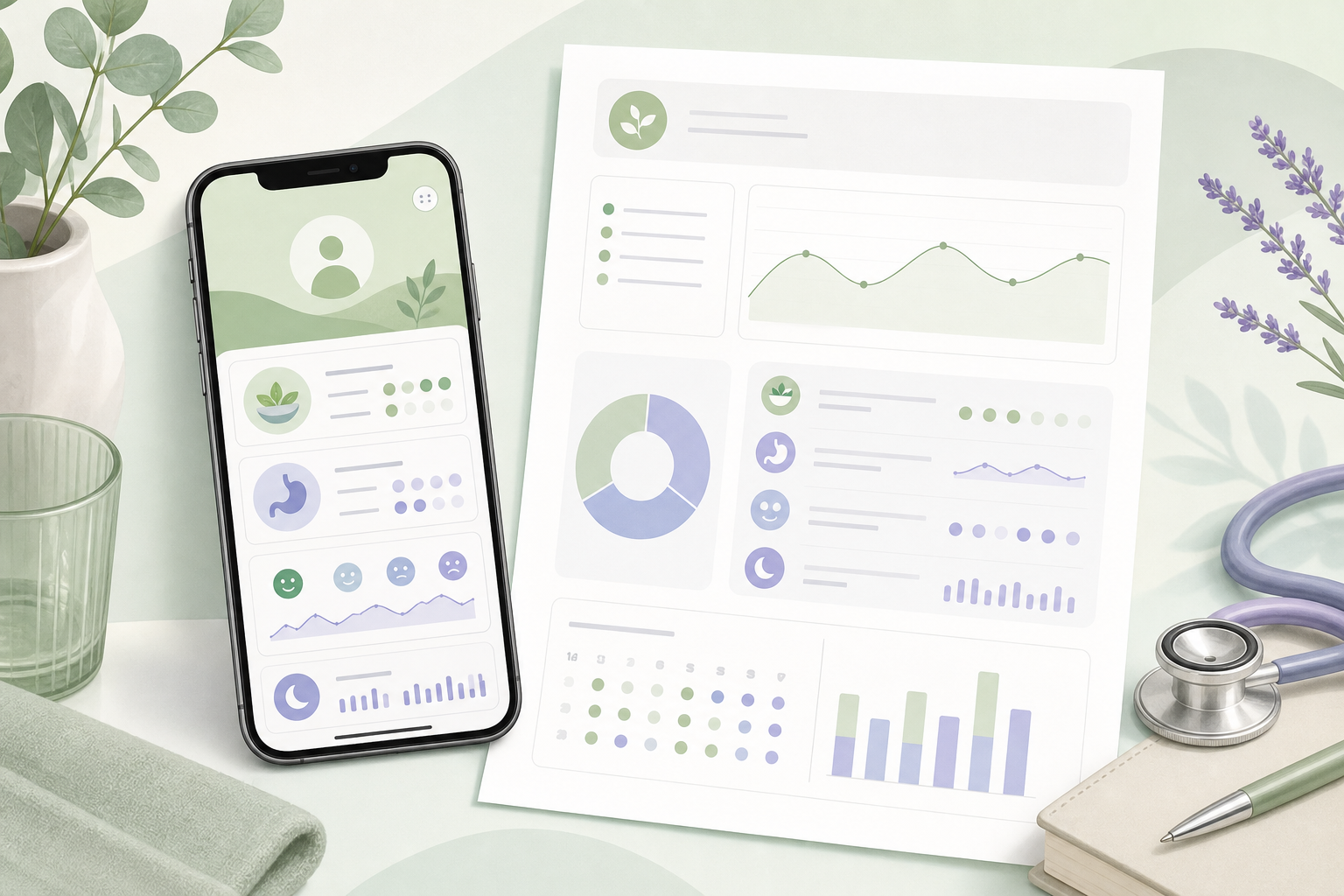
With Digest Diary Pro, generate on-device PDF and CSV reports, descriptive summaries, and templates for IBS tracking, low-FODMAP trials, food sensitivity notes, or doctor-visit prep. Your content stays local until you choose to share a file.
Built for everyday tracking—without accounts, ads, or pressure to overshare.
Your journal stays on device. There is no account to create, and your meal and symptom entries are not sent to our servers.
Capture meal type, time, details, and favorite meals so logging stays fast on busy days.
Track common digestive symptoms—or your own custom ones—with severity 0–10, duration, and notes.
Log Bristol stool form and urgency so you keep a consistent, descriptive record over time.
Protect the app with Face ID, Touch ID, or your device passcode. It only learns whether unlock succeeded—not your biometrics.
Turn on an optional local reminder to check in—scheduled on your iPhone, not from a cloud account.
Three calm steps from first entry to a clearer conversation with your clinician.
Open the app and log a meal, symptom, or bowel movement in moments. Add tags or a private note when useful—skip what you do not need.
Use the timeline to see today’s entries chronologically. History helps you spot patterns in your own words—without the app claiming causes.
Free history covers recent days; Pro unlocks unlimited history.
Browse featuresWhen you want a shareable summary, Pro can create PDF or CSV reports on your device. You decide if and where to share them.
Review exports before sharing—you remain in control of your data.
Read privacy policyStraight answers about privacy, medical use, and Pro features.
No. It is a personal record-keeping app for meals, symptoms, and bowel movements. It does not diagnose, treat, rate foods, or claim cause-and-effect. Always seek qualified medical care for health questions.
Your entries stay on your iPhone using on-device storage. Cloud sync is not enabled in the first release, and you do not need an account.
The app does not include advertising, usage analytics, or cross-app tracking. We do not sell your personal information.
Pro unlocks on-device PDF/CSV reports, unlimited history, descriptive personal summaries, structured templates, and exclusive themes. Purchases go through Apple In-App Purchase; refunds follow Apple’s policies.
Everyday journaling works offline. The app only asks for network access when you view Pro offers, purchase, or restore purchases. Payment is handled by Apple; entitlement verification may use RevenueCat—neither receives your diary content.
Yes. Export a JSON backup or share reports when you choose. You can edit or delete entries, or wipe all journal data in Privacy & Data settings. Optional App Lock and reminders can be turned off anytime.
Download Digest Diary on the App Store and begin a private food and symptom journal on your iPhone.
No account. No ads. Just a calmer way to remember what happened—and share clearer notes when it matters.
Digest Diary is not a substitute for professional medical advice.